
Migration, cleanup, governance, and collaboration design for growing SMEs
Microsoft 365 Projects for Structure, Security, and Collaboration
Make Microsoft 365 work like a system, not a collection of disconnected apps. Pivot Technology helps SMEs plan, introduce, migrate, clean up, govern, and stabilise Microsoft 365 so teams can work with more clarity and less risk.

Common Microsoft 365 problems
Starting without structure
The business is moving into Microsoft 365, but no clear operating model has been defined for collaboration, access, and document ownership.
Unclear ownership
Teams, SharePoint, and OneDrive are being used without a clear ownership model or storage logic.
Permission sprawl
Permissions are hard to understand and external sharing feels risky.
User confusion
Teams do not know where files should live or how collaboration should work.
Security lag
MFA, admin roles, access standards, and governance have not kept up with growth.
Core Microsoft 365 project modules
Migration and tenant improvement
Plan and execute Microsoft 365 migrations, clean up inherited tenant problems, and align workloads to the current business reality.
SharePoint setup for content management and controlled sharing
Design site structure, document libraries, ownership, permissions, navigation, and external-sharing rules that support real work.
OneDrive as a core mobility layer
Define how OneDrive should be used for personal work, sync, mobility, offline access, and transition into shared team content.
Teams structure and standards
Create team and channel design rules, membership logic, naming standards, and governance that reduce sprawl.
Identity and access baseline
Implement MFA, role discipline, guest-access control, admin-role review, and fit-for-purpose policy controls.
Governance, documentation, and adoption
Provide the standards, training, and practical handover that make the environment usable after go-live.
How Microsoft 365 should work as a system
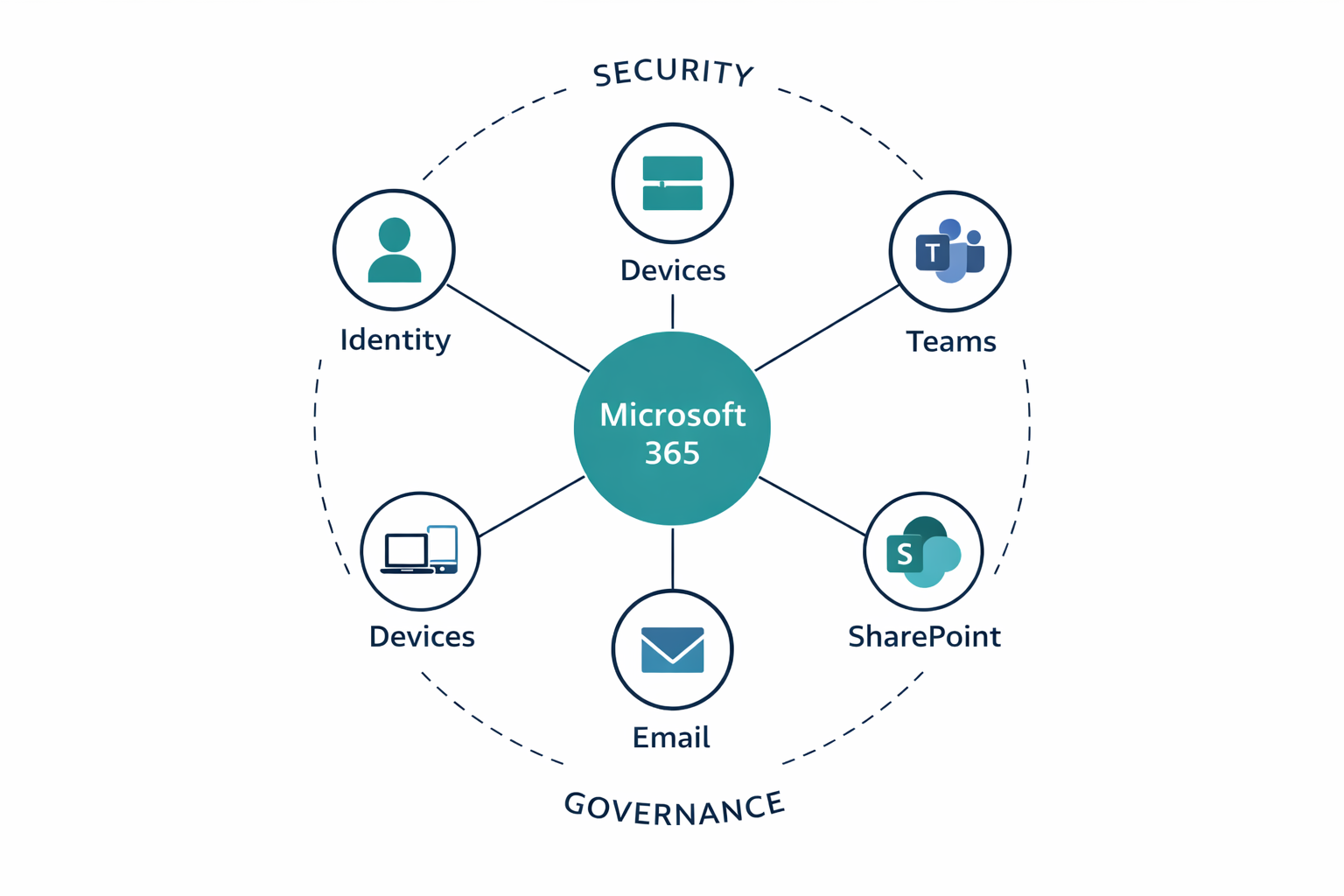

How the work is approached
- Assess the current state and identify real friction
- Design the target structure before moving content
- Pilot where needed with a real team or use case
- Implement and migrate with communication and change control
- Stabilise and train so standards are clear early
- Handover and govern with documentation and ownership clarity
What good looks like
- Teams, SharePoint, and OneDrive each have a clear role in the operating model
- Permissions are simpler, more deliberate, and easier to manage over time
- External sharing is controlled rather than improvised
- Users know where to store, share, and collaborate on work
- Admin roles, MFA, and access rules support the business instead of lagging behind it
The real outcomes are less collaboration friction, better document control, safer sharing, improved user confidence, cleaner onboarding and offboarding, and a Microsoft 365 environment that becomes more supportable over time.
Related Microsoft 365 insights
SharePoint, Teams, and OneDrive: who owns what?
Clarify the role of each workload before structure and permissions become harder to manage.
Seven Microsoft 365 permission problems that create real business risk
See the most common access-control patterns that create risk long before an incident happens.
How to make Microsoft 365 work as a system
Connect identity, collaboration, sharing, and ownership into one operating model.
Microsoft 365 project FAQs
Can you help if we are moving to Microsoft 365 for the first time or cleaning up an existing tenant?
Yes. We help businesses introduce Microsoft 365 with the right structure from the start, and we also clean up existing tenants where structure, governance, and standards are already weak.
Do you need to be our Microsoft licensing partner?
No. The delivery value comes from implementation, structure, governance, and business fit, not from forcing a licensing relationship.
Can you work with our current MSP or CSP?
Yes. The project can be delivered alongside the current operational provider, provided roles and responsibilities are clear.
Do you cover SharePoint, Teams, and OneDrive together?
Yes. The strongest Microsoft 365 work treats them as one system with different roles, not as separate tools.
Do you provide training?
Yes. Adoption guidance, practical usage standards, and admin handover are important parts of making the change stick.
Fix the structure, not only the symptom
Request a scoped discussion if you want to introduce Microsoft 365 properly for the first time, or if an existing environment no longer feels clear, governed, or easy to manage.