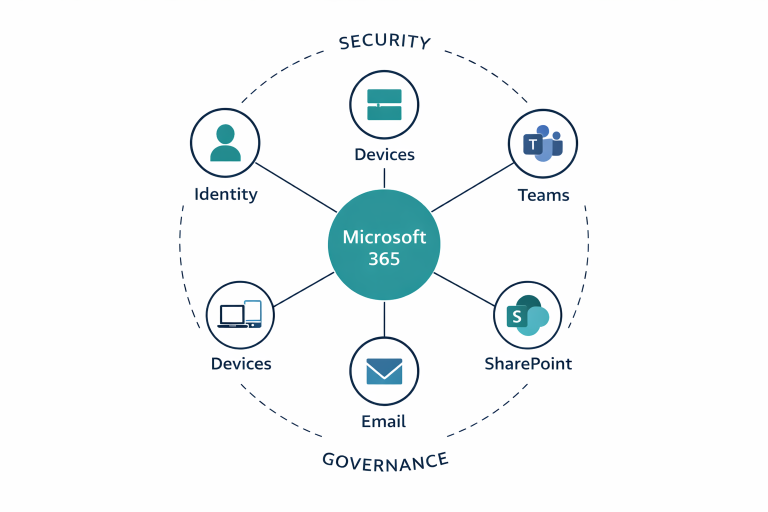

SharePoint, Teams, and OneDrive: Who Owns What in Microsoft 365?
A surprising amount of Microsoft 365 frustration comes from one simple problem: teams are using SharePoint, Teams, and OneDrive without a shared operating model. The platforms overlap, but they are not interchangeable.
OneDrive is for personal work in motion
OneDrive is usually the right place for individual working files, mobility, sync, and content that has not yet become collaborative team material. It is not the best long-term home for shared business records.
SharePoint is the controlled team content layer
SharePoint should provide the structure for document libraries, ownership, permissions, navigation, and long-lived team or departmental content. This is where controlled sharing and document governance start to make sense.
Teams is the collaboration surface
Teams is where communication, meetings, and collaborative workspaces are experienced by users. Behind the scenes, however, many Teams files are still sitting in SharePoint. That is why Teams design and SharePoint design should be planned together.
Where confusion usually starts
- Files are shared directly from OneDrive when they should have been placed in a team workspace
- Multiple Teams are created with no naming standards or ownership rules
- Permissions are granted ad hoc instead of being designed once and maintained
- Users are never told where different types of content should live
What a better model looks like
Good Microsoft 365 design gives each workload a clear role, teaches users a simple operating model, and makes permissions easier to manage over time. That reduces confusion, improves control, and lowers support load.
Read next
How to make Microsoft 365 work as a system
See how identity, collaboration, and sharing should be designed as one operating model.
Seven Microsoft 365 permission problems that create real business risk
Follow the structure conversation with the specific permission risks that usually come next.
Need Microsoft 365 to work as a system?
Discuss a scoped Microsoft 365 project if you need the platform introduced properly for the first time, or if structure, sharing, and ownership have become hard to manage in an existing environment.